

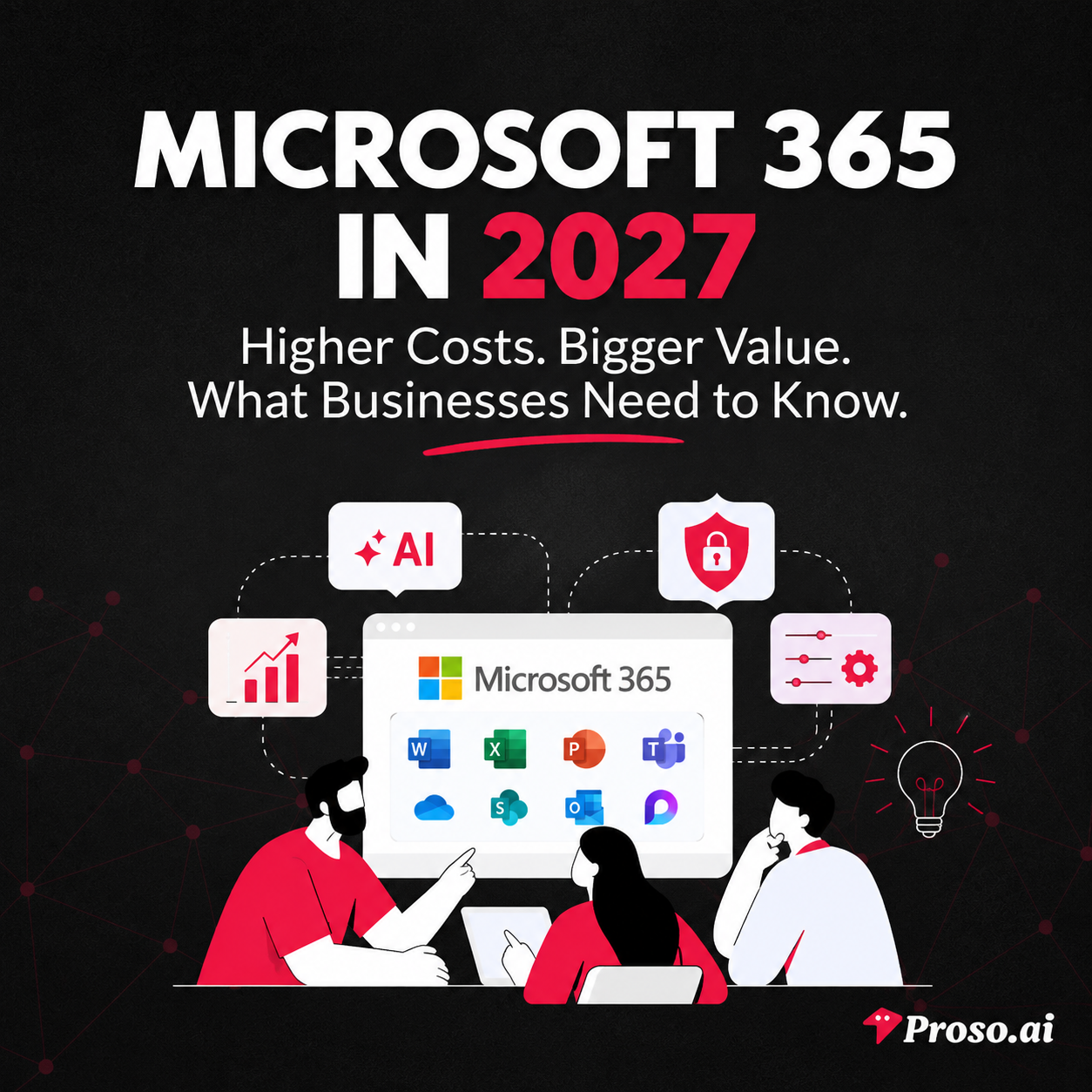
It's Monday morning, and Priya, the Operations Manager at a growing technology company, is reviewing next year's software budget.
What should have been a routine exercise quickly becomes complicated.
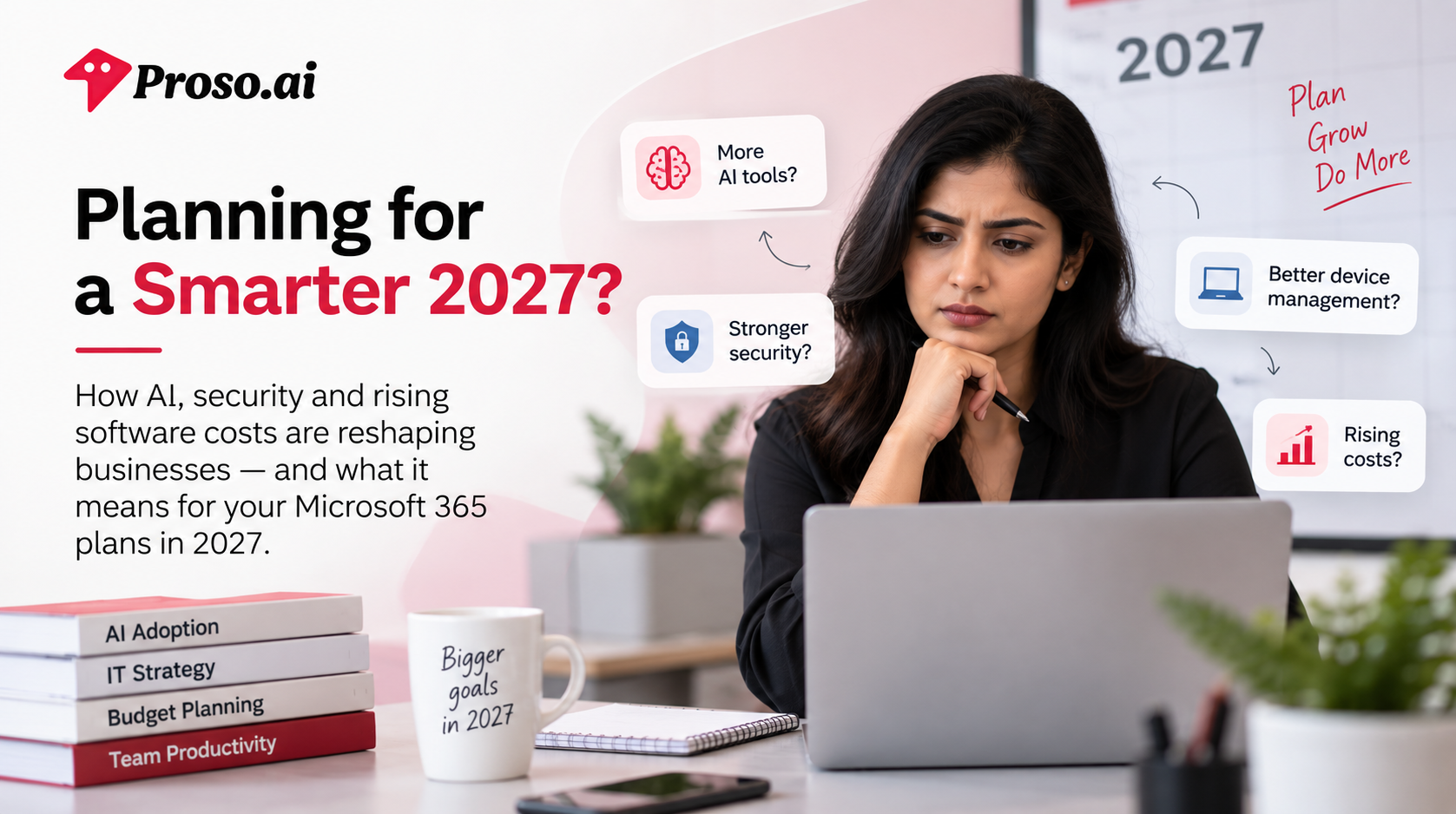
Her team wants more AI tools to improve productivity. The IT department is requesting additional security measures to combat increasingly sophisticated cyber threats. Remote employees need better device management and support. Meanwhile, software costs continue to rise across the board.
Sound familiar?
Businesses entering 2027 are facing a new reality. Technology is no longer just about productivity software and email. Organizations now need platforms that can help employees work smarter with AI, protect sensitive business data, secure remote devices, and simplify IT management—all without creating additional complexity.
This shift is exactly why Microsoft has been transforming Microsoft 365 from a traditional productivity suite into a comprehensive business platform powered by artificial intelligence, advanced security, and integrated device management.
Over the past year, Microsoft introduced significant enhancements across Microsoft 365, including expanded AI capabilities through Copilot, stronger security protections, advanced endpoint management features, and deeper automation tools designed for modern workplaces.
As businesses plan their technology investments for 2027, understanding these changes is becoming increasingly important. The question is no longer whether organizations should adopt AI-powered workplace tools—it's how they can maximize value while managing costs, security risks, and operational efficiency.
In this guide, we'll break down:
Let's explore what the future of Microsoft 365 looks like and what it means for your business.
A decade ago, businesses primarily viewed Microsoft 365 as a productivity suite.
It was where employees wrote documents, managed emails, built spreadsheets, and collaborated through tools like Word, Excel, PowerPoint, and Teams.
Today, that expectation has fundamentally changed.
Organizations no longer need software that simply helps employees complete tasks. They need platforms that can help teams make decisions faster, automate repetitive work, secure sensitive business data, manage distributed devices, and adapt to an increasingly AI-driven workplace.
The challenge is that most businesses aren't facing just one technology problem.
They're managing multiple priorities at once:
Traditionally, solving these challenges meant investing in multiple software solutions from different vendors. One platform for productivity, another for endpoint management, a separate cybersecurity solution, and additional tools for automation and reporting.
The result?
Higher costs, fragmented workflows, and increased complexity for IT teams.
Microsoft's strategy for 2027 reflects a different approach.
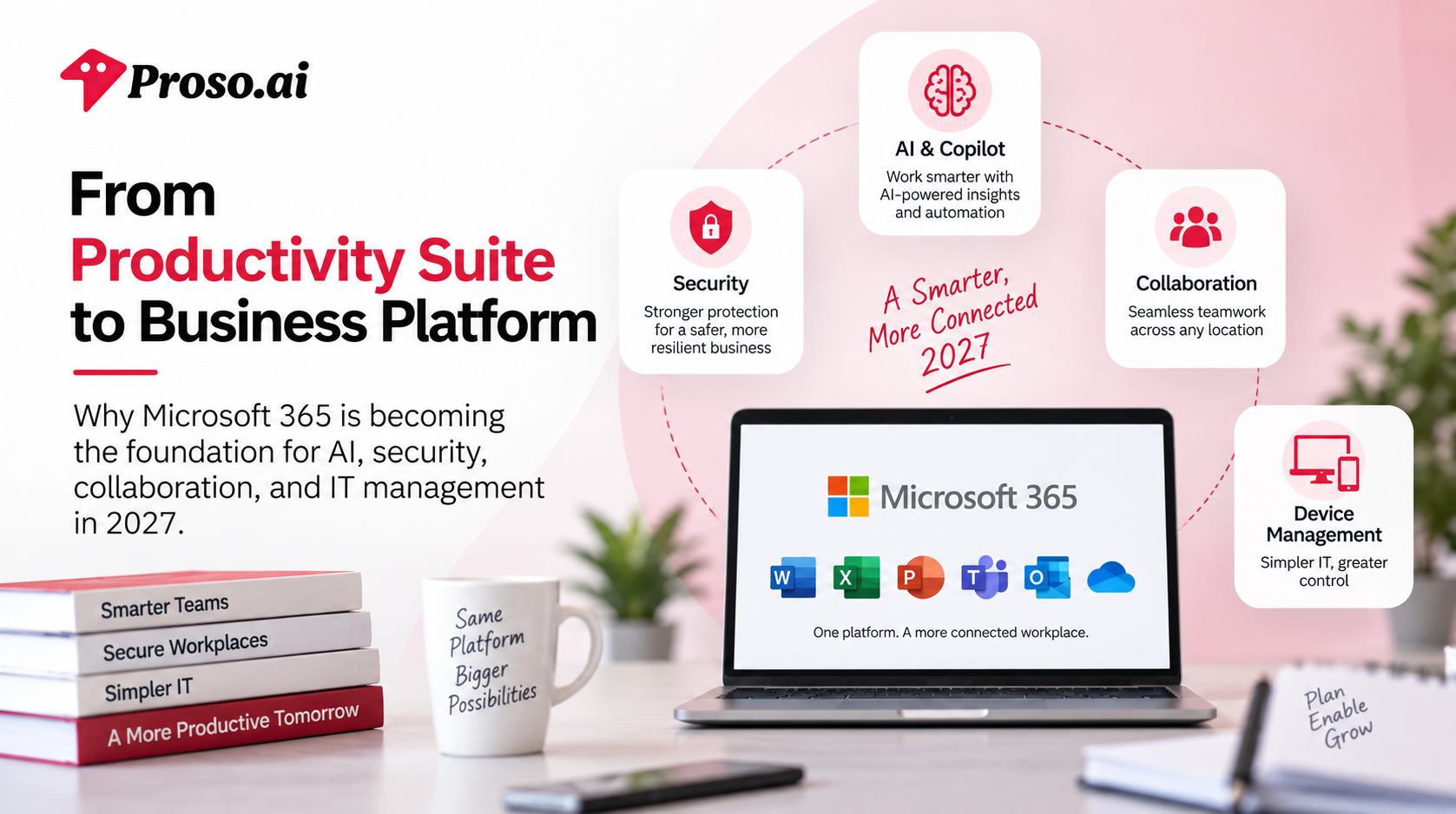
Rather than treating productivity, security, AI, and device management as separate categories, Microsoft is integrating them into a unified ecosystem through Microsoft 365. This shift allows organizations to reduce tool sprawl while giving employees and IT teams access to more powerful capabilities from a single platform.
Recent updates across Microsoft 365 demonstrate this direction, with Microsoft expanding AI-powered experiences, strengthening built-in security protections, enhancing endpoint management capabilities, and embedding intelligent automation deeper into everyday workflows.
For businesses planning their technology strategy in 2027, this evolution is significant.
The conversation is no longer about choosing a productivity suite.
It's about choosing a platform that can support the future of work.
For years, workplace productivity was measured by how quickly employees could complete tasks.
Today, the conversation has shifted.
The most successful organizations in 2027 aren't simply asking employees to work faster—they're helping them work smarter.
Artificial Intelligence has become one of the biggest drivers of this transformation.
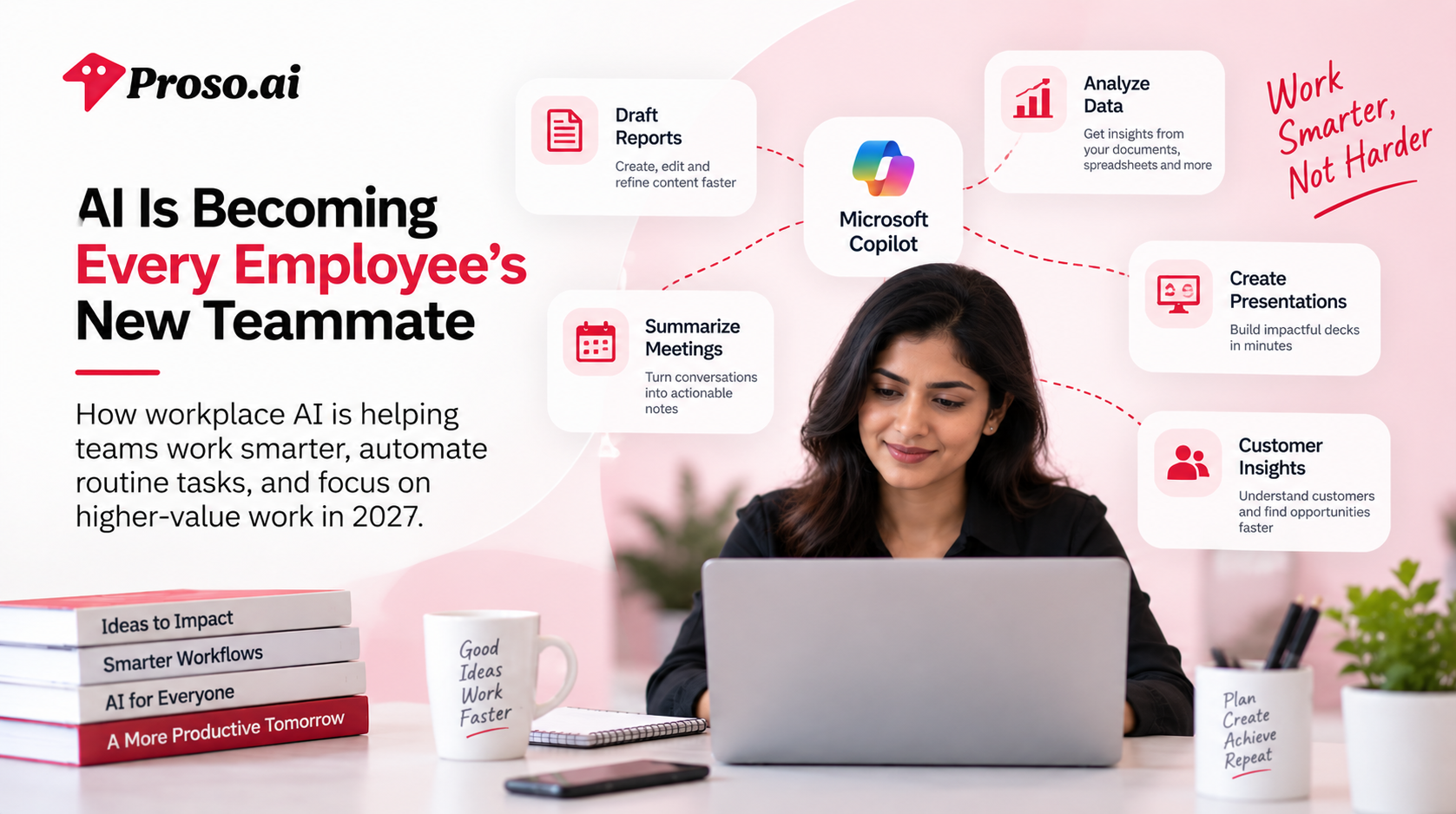
What began as simple automation tools and chatbots has evolved into intelligent workplace assistants capable of helping employees draft reports, summarize meetings, analyze data, create presentations, automate workflows, and make informed decisions in real time.
The result is a workplace where employees spend less time on repetitive tasks and more time focusing on strategic, high-value work.
And Microsoft is positioning Microsoft 365 at the center of this shift.
Consider a typical workday.
A marketing manager needs to create a campaign report.
A sales executive wants insights from customer conversations.
An HR leader needs to summarize employee feedback.
A finance team member is reviewing quarterly performance data.
Traditionally, these tasks could take hours.
Employees would gather information from multiple sources, analyze data manually, organize findings, and prepare presentations before sharing them with stakeholders.
In 2027, AI is changing that process.
Instead of starting from scratch, employees can collaborate with AI-powered tools that help generate first drafts, identify patterns, surface insights, and automate repetitive administrative work.
The goal isn't to replace human expertise.
It's to remove the friction that prevents employees from doing their best work.
Organizations are under constant pressure to improve productivity while managing costs.
Hiring more employees isn't always the answer.
Neither is expecting existing teams to take on more work indefinitely.
AI offers a different path.
By automating repetitive processes and accelerating routine tasks, businesses can help employees accomplish more without increasing workload or compromising quality.
For leaders, the benefits are becoming increasingly clear:
This is one of the reasons workplace AI adoption has moved from experimentation to strategic business planning.
Companies are no longer asking whether AI has value.
They're asking how quickly they can implement it effectively.
Microsoft's vision for workplace AI extends beyond a standalone chatbot.
The company is embedding AI experiences directly into the tools employees already use every day, allowing teams to interact with AI within their existing workflows rather than switching between multiple applications. Microsoft has continued expanding Copilot capabilities, including enhanced awareness across workplace data and deeper integration with productivity tools.
This approach is important because successful AI adoption depends on accessibility.
Employees are far more likely to embrace AI when it becomes a natural part of their daily work rather than another platform they need to learn.
Whether drafting documents, preparing presentations, analyzing spreadsheets, or managing communications, AI is increasingly becoming an active collaborator rather than a passive tool.
While the opportunities are exciting, AI adoption isn't without challenges.
Business leaders must consider:
This is where many organizations struggle.
Deploying AI is relatively easy.
Deploying AI securely and responsibly across an entire organization is far more complex.
As workplace AI becomes more deeply integrated into business operations, organizations need platforms that provide both innovation and control.
That's why Microsoft's investments in governance, security, and administrative oversight are becoming just as important as the AI capabilities themselves. Microsoft has emphasized enterprise-grade controls that help organizations manage and secure AI experiences across Microsoft 365 environments.
The biggest misconception about AI is that it's a future technology.
For many organizations, it's already becoming a standard part of everyday work.
In 2027, the businesses that gain the greatest advantage won't necessarily be those using the most advanced AI tools.
They'll be the ones that successfully integrate AI into existing workflows, empower employees to use it effectively, and establish clear governance frameworks around its use.
AI is no longer just a productivity feature.
It's becoming a core business capability.
And for organizations building their technology strategy for the future, understanding how AI fits into the broader workplace ecosystem will be essential for maintaining a competitive advantage.
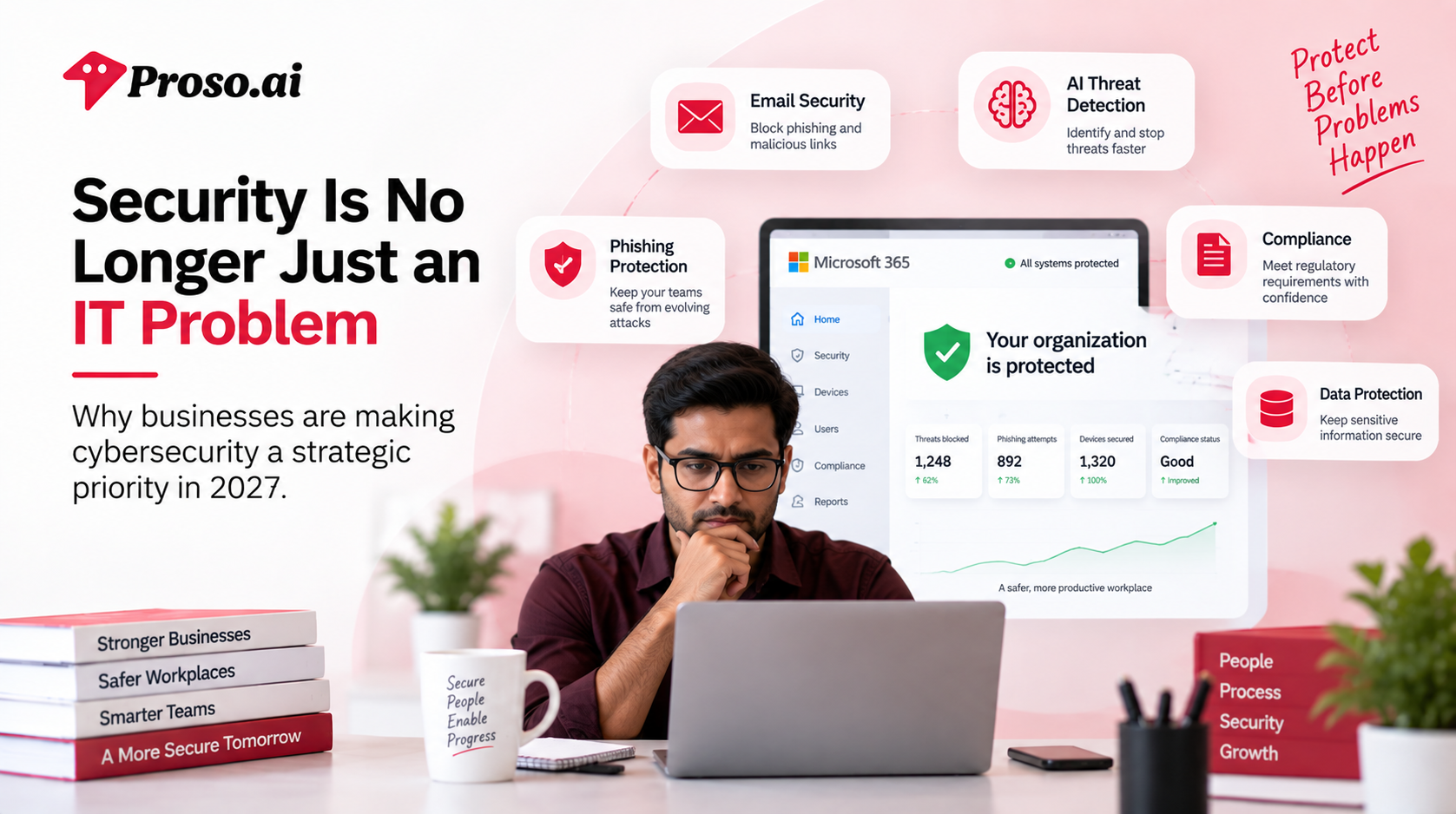
A few years ago, cybersecurity was primarily viewed as an IT responsibility.
Today, it's a business responsibility.
Every organization, regardless of size or industry, depends on digital systems to manage operations, communicate with customers, store sensitive information, and support employees. As businesses become more connected, the impact of a security breach extends far beyond technical disruptions.
A single successful cyberattack can result in:
For business leaders, cybersecurity is no longer just about protecting systems—it's about protecting the future of the organization.
Cybercriminals are becoming increasingly sophisticated.
The days of easily identifiable spam emails are largely behind us.
Today's attacks often leverage artificial intelligence, social engineering, stolen credentials, and advanced phishing techniques designed to bypass traditional security measures.
At the same time, organizations are managing:
Each of these factors creates additional opportunities for attackers.
The challenge isn't simply preventing attacks.
It's identifying threats before they become incidents.
Traditionally, organizations approached cybersecurity reactively.
A threat would emerge, security teams would investigate, and solutions would be implemented after the damage had already occurred.
That model no longer works.
Modern businesses need security systems that can:
This shift from reactive security to proactive protection is driving significant investment across the technology landscape.
Organizations want security embedded into the tools employees already use every day rather than relying solely on standalone security products.
As workplace environments become increasingly digital, Microsoft continues expanding the security capabilities available across Microsoft 365.
Recent enhancements include stronger protections against phishing attacks, malicious links, and email-based threats, helping organizations strengthen their security posture without introducing additional complexity for end users. Microsoft has expanded security capabilities across its Microsoft 365 offerings to help organizations better detect and protect against evolving cyber threats.
This approach reflects a broader industry trend.
Businesses are increasingly looking for platforms that combine productivity and security rather than treating them as separate investments.
The benefit is clear:
Employees can continue working efficiently while organizations maintain stronger protection across their digital workplace.
Just as artificial intelligence is transforming productivity, it's also changing cybersecurity.
Security teams today process enormous amounts of data, alerts, and threat intelligence.
Without automation, identifying meaningful risks can become overwhelming.
AI-powered security solutions help organizations:
Microsoft has continued investing in AI-driven security capabilities, including Security Copilot experiences designed to support security professionals in managing increasingly complex environments.
As cyber threats continue to evolve, AI is expected to become an essential component of modern security strategies.
The organizations best positioned for the future won't necessarily be those spending the most on cybersecurity.
They'll be the ones building a security-first culture across the business.
That means:
Cybersecurity is no longer a technical checkbox.
It's a competitive advantage.
Organizations that prioritize security are better equipped to innovate, scale, and adopt emerging technologies with confidence.
Ask any IT leader what has changed most over the past five years, and you'll likely hear the same answer:
Everything.
Employees no longer work from a single office.
Devices are no longer managed within a single network.
Applications are no longer hosted in a single environment.
Today's workplace is distributed, dynamic, and increasingly complex.
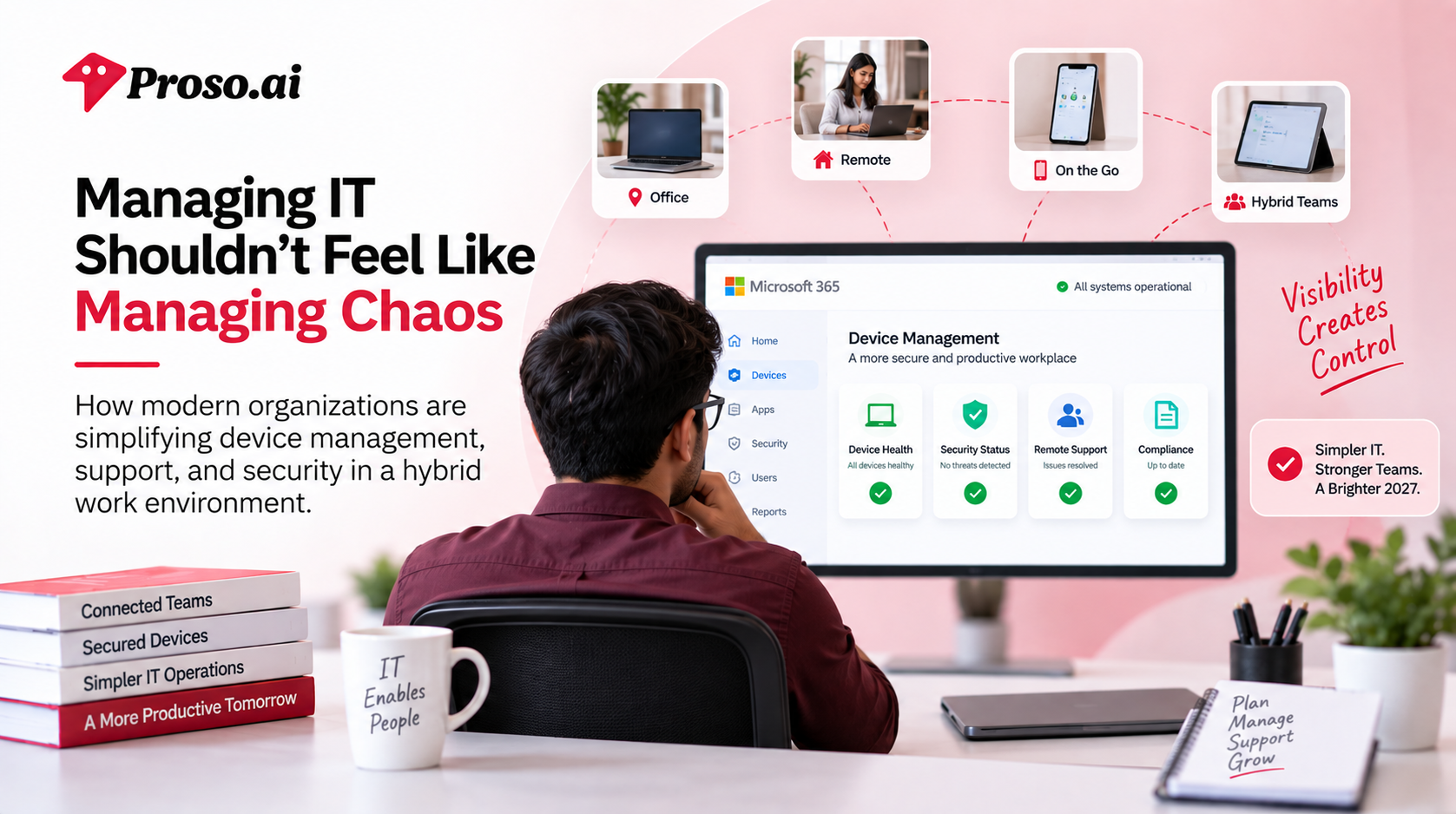
Whether employees are working from home, traveling, collaborating across global offices, or accessing company resources from personal devices, IT teams are expected to deliver a secure and seamless experience from anywhere.
And that's easier said than done.
Managing technology used to be relatively straightforward.
Employees worked from company-issued devices inside corporate offices, connected to centralized systems managed by internal IT teams.
In 2027, the reality looks very different.
Organizations now manage:
Every new device, application, and access point introduces additional complexity.
For IT teams, maintaining visibility across this environment has become one of the biggest operational challenges.
A productive workplace depends on more than collaboration tools and AI capabilities.
Employees need reliable devices, secure access, and uninterrupted workflows.
When devices aren't properly managed, organizations face challenges such as:
A single compromised device can become an entry point for cyber threats.
A poorly maintained endpoint can disrupt operations for an entire team.
This is why endpoint management has become a critical part of modern IT strategy rather than simply an administrative task.
Traditionally, organizations relied on separate solutions for:
While these tools solved individual problems, they often created additional complexity.
IT teams were forced to switch between platforms, manage multiple vendors, and reconcile data from disconnected systems.
In response, many organizations are moving toward unified management platforms that bring these capabilities together.
The goal is simple:
Reduce complexity while improving visibility and control.
As organizations continue embracing hybrid work, Microsoft has expanded its investment in endpoint management capabilities within Microsoft 365.
Recent enhancements include tools designed to help IT teams identify issues faster, improve device visibility, strengthen security controls, and provide better support experiences for employees. Microsoft has also expanded advanced Intune capabilities and endpoint management features to help organizations maintain secure and productive device environments.
This reflects a broader trend across the industry.
Businesses increasingly want IT management, security, and productivity tools working together rather than operating in isolation.
The fewer systems IT teams need to manage, the more time they can spend on strategic initiatives instead of troubleshooting.
The most effective IT departments are shifting from reactive support models to proactive management strategies.
Instead of waiting for issues to occur, they're using data, automation, and centralized management tools to prevent disruptions before they impact employees.
Key priorities include:
Identifying potential issues before they become business disruptions.
Reducing manual effort through intelligent automation and self-service capabilities.
Ensuring every device meets organizational security standards.
Providing consistent, reliable access to tools and resources regardless of location.
Supporting business growth without significantly increasing administrative overhead.
As organizations continue investing in AI, cloud technologies, and distributed workforces, complexity can quickly become a barrier to growth.
The businesses that thrive in 2027 won't necessarily have the largest IT teams.
They'll have the most efficient ones.
By consolidating tools, automating routine tasks, and improving visibility across devices and users, organizations can create a more resilient and productive workplace while reducing operational burden.
Because ultimately, successful IT management isn't about managing more technology.
It's about making technology easier to manage.
No business leader likes hearing the words price increase.
Whether you're running a startup, managing a growing mid-sized company, or overseeing enterprise IT budgets, rising software costs force difficult conversations.
Can we justify the additional spend?
Are we receiving enough value in return?
Should we explore alternatives?
These are reasonable questions—especially as organizations continue evaluating technology investments in an uncertain economic environment.
But when it comes to Microsoft 365 in 2027, focusing solely on subscription costs may not tell the complete story.
The real question isn't how much Microsoft 365 costs.
It's how much value it delivers.
For many years, businesses evaluated workplace software primarily through a licensing lens.
They compared monthly costs, user pricing, and contract terms.
Today, technology decisions are far more strategic.
Organizations are increasingly measuring software based on:
A platform that helps employees work faster, reduces cybersecurity risks, and simplifies IT operations can generate significantly more value than its subscription price alone.
That's why many businesses are shifting from a cost-focused mindset to a value-focused approach.
Microsoft's pricing adjustments introduced in 2026 weren't simply tied to a single new feature.
They reflected a broader expansion of capabilities across AI, security, endpoint management, compliance, and workplace productivity. Microsoft stated that the pricing and packaging updates were designed to reflect expanded value delivered through advancements in AI, security, and IT management capabilities.
For organizations planning in 2027, Microsoft 365 is increasingly positioned as a unified business platform rather than just a collection of productivity applications.
Recent additions include:
Many of these capabilities previously required separate products, licenses, or third-party solutions.
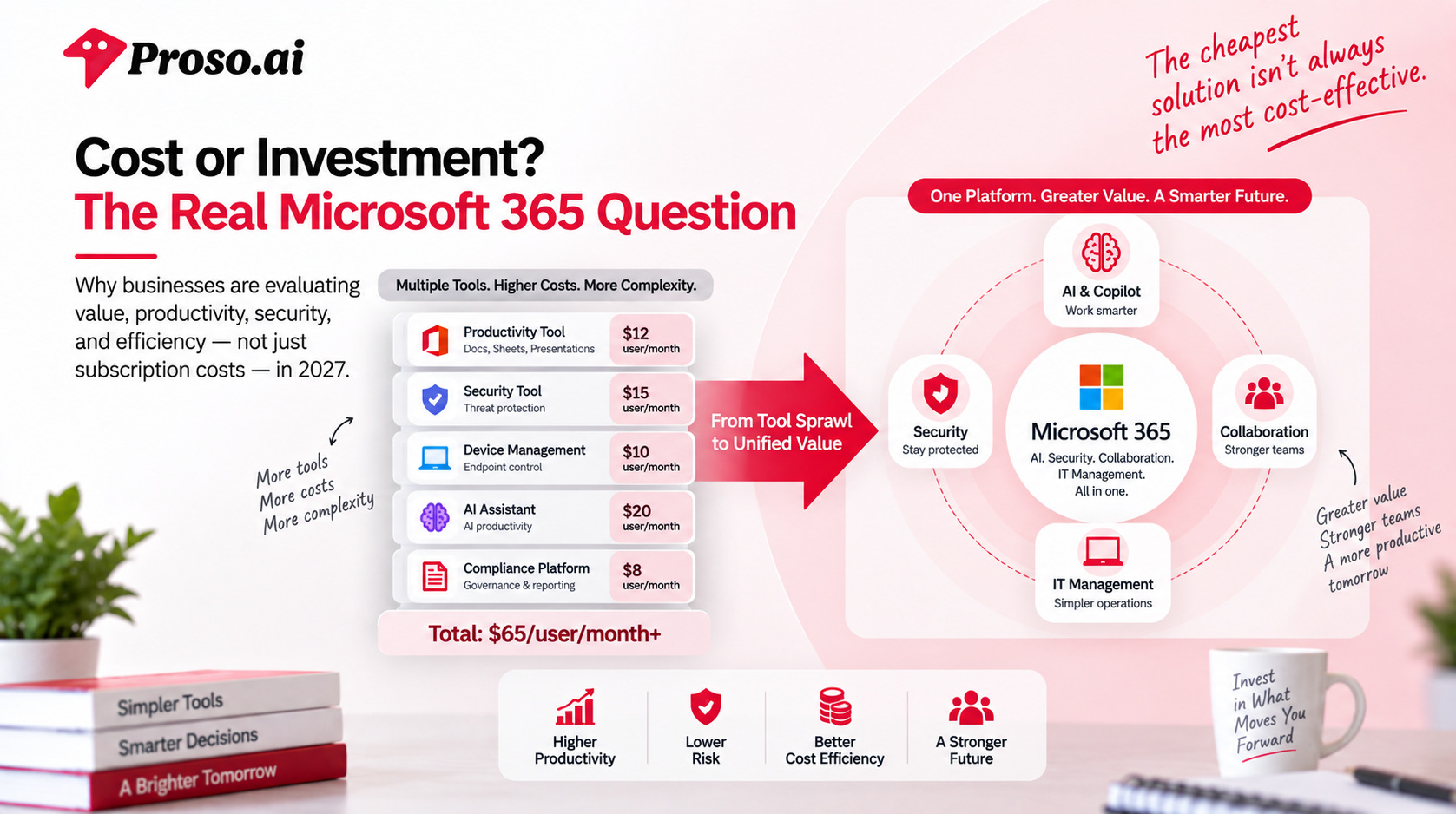
One factor businesses often overlook is the cost of technology fragmentation.
Consider a company that purchases:
Individually, each tool may appear affordable.
Collectively, they can create:
This is one reason many organizations are consolidating technology investments wherever possible.
A more integrated platform often reduces operational complexity while improving overall efficiency.
The organizations most likely to benefit from Microsoft's expanded capabilities are those that actively leverage them.
For example:
Organizations scaling rapidly often benefit from integrated security, collaboration, and device management capabilities without needing multiple vendors.
Companies supporting remote and distributed teams can gain greater visibility and control across users and devices.
Businesses handling sensitive customer information, financial data, or regulated workloads may see significant value from enhanced security features.
Organizations actively adopting workplace AI can benefit from deeper integration between productivity tools and intelligent assistants.
At the same time, not every organization needs every available capability.
Before renewing licenses or upgrading plans, businesses should ask:
The answers can help organizations make smarter licensing decisions while ensuring they're investing in capabilities that support real business outcomes.
As software ecosystems become more complex, businesses are increasingly looking for platforms that bring productivity, AI, security, and management together under a single umbrella.
This trend is expected to accelerate throughout 2027 and beyond.
Rather than managing dozens of disconnected solutions, organizations want technology that works together seamlessly.
That's ultimately the value proposition Microsoft is building toward.
The conversation is no longer about paying more for Office applications.
It's about investing in a platform designed to support the modern workplace.
The conversation around Microsoft 365 is no longer just about choosing a software subscription.
It's about building a workplace strategy.
As organizations continue adopting AI, strengthening cybersecurity, supporting hybrid teams, and modernizing IT operations, the decisions made today will directly impact productivity, efficiency, and business resilience in the years ahead.
The challenge is that many organizations aren't struggling with a lack of technology.
They're struggling with knowing how to use it effectively.
Simply enabling new features or purchasing additional licenses doesn't automatically create business value.
Success comes from having a clear roadmap.
Before investing in new capabilities, organizations should first understand where they stand today.
Many businesses discover they are:
A comprehensive assessment helps identify gaps, risks, and opportunities before additional investments are made.
The goal isn't to adopt more technology.
It's to maximize the value of the technology already available.
One of the biggest mistakes organizations make is viewing AI as a tool rather than a business capability.
Deploying Microsoft Copilot is relatively straightforward.
Helping employees integrate AI into daily workflows is much harder.
Organizations should focus on:
Not every process benefits equally from AI.
Prioritize areas where automation and intelligent assistance can create measurable improvements.
Define how AI should be used, monitored, and secured across the organization.
AI adoption succeeds when employees understand both the capabilities and limitations of the technology.
Track productivity improvements, efficiency gains, and operational impact rather than simply monitoring usage.
As organizations introduce more AI-powered tools and cloud-based services, security must evolve alongside innovation.
Business leaders should evaluate:
The most successful organizations don't treat security as a barrier to innovation.
They treat it as an enabler.
Strong security foundations allow businesses to adopt new technologies with confidence.
Technology environments naturally become more complex over time.
New applications, integrations, and workflows often accumulate faster than they are optimized.
Before expanding technology investments, organizations should evaluate opportunities to:
In many cases, simplification delivers greater business value than adding another platform.
While Microsoft provides the technology, organizations often need guidance on how to align that technology with business objectives.
That's where strategic consulting partners play a critical role.
Implementing Microsoft 365 successfully requires more than technical expertise.
It requires an understanding of:
Without a clear strategy, organizations risk investing in powerful capabilities that never reach their full potential.
At Proso.ai, we work with organizations to bridge the gap between technology investment and business outcomes.
Our approach goes beyond implementation.
We help businesses:
Identify gaps, inefficiencies, and opportunities for optimization.
Develop practical roadmaps for Microsoft Copilot and workplace AI adoption.
Align Microsoft security capabilities with evolving business and compliance requirements.
Create scalable device management and support frameworks for hybrid work environments.
Ensure organizations are leveraging the capabilities they're already paying for while preparing for future growth.
Whether you're evaluating Microsoft 365 licensing, planning an AI adoption strategy, strengthening cybersecurity, or modernizing IT operations, success depends on more than technology alone.
It depends on having the right strategy, the right expertise, and the right partner.
Microsoft 365 in 2027 represents something much larger than a productivity platform.
It's becoming the foundation for how organizations work, collaborate, secure information, manage devices, and leverage AI.
The opportunities are significant.
But so are the challenges.
Businesses that approach these changes strategically will be better positioned to improve productivity, strengthen security, and create long-term operational advantages.
The question isn't whether workplace technology will continue evolving.
It will.
The real question is whether your organization is prepared to take full advantage of what's next.
And that's where having the right partner can make all the difference.
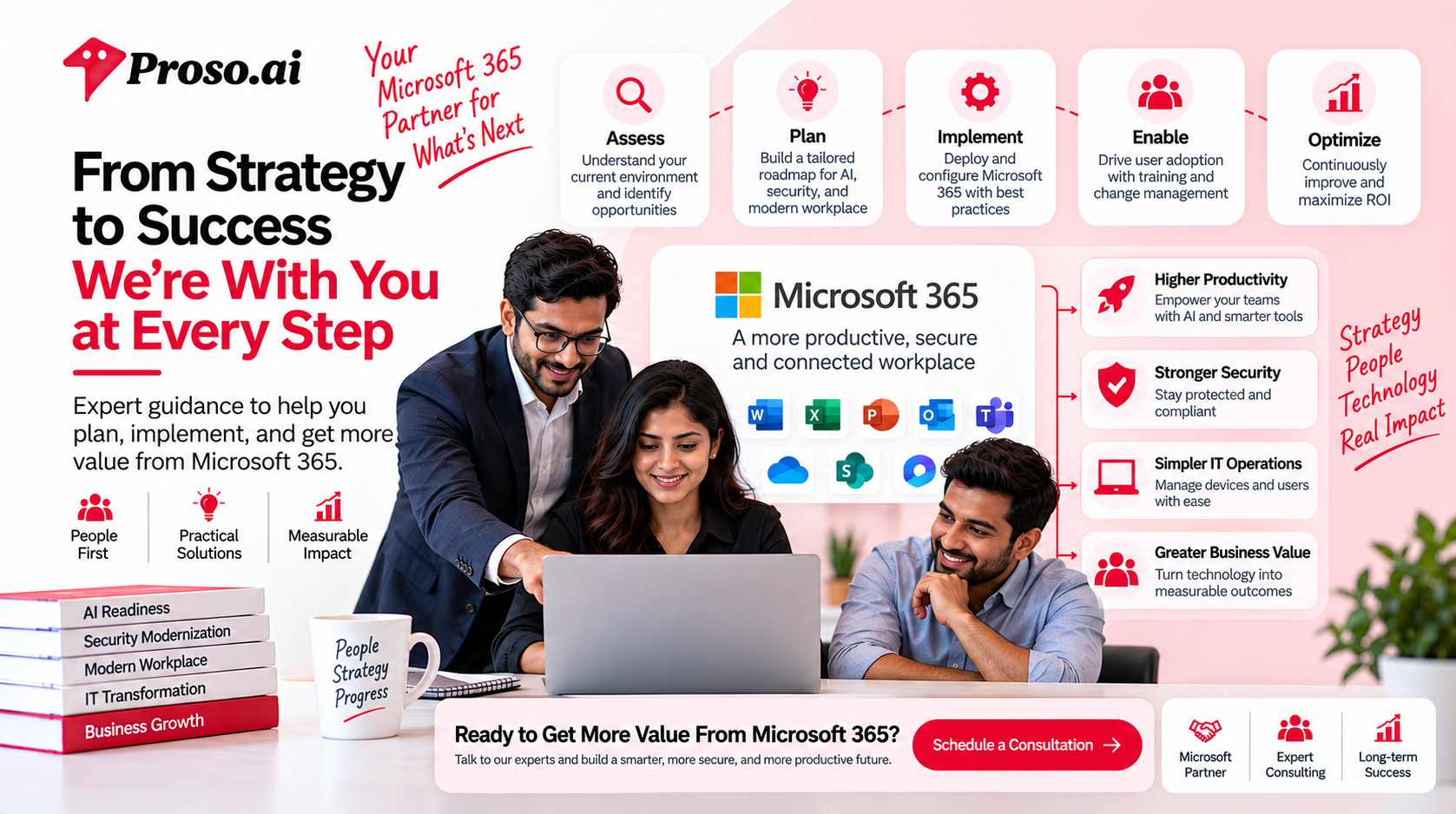
Whether you're planning your Microsoft 365 roadmap, exploring Copilot adoption, strengthening security, or optimizing IT operations, Proso.ai can help you navigate the journey with confidence.
Talk to our Microsoft experts and discover how to turn Microsoft 365 into a strategic business advantage.
.jpg)

.png)
.png)